 Ask Bookie
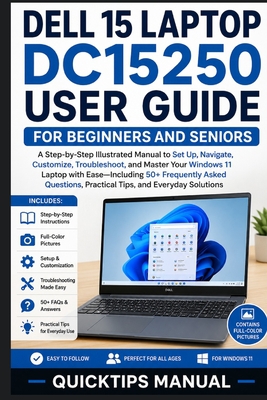
Dell 15 Laptop DC15250 User Guide for Beginners and Seniors : A Step-by-Step Illustrated Manual to Set Up, Navigate, Customize, Troubleshoot, and Maste

Overview
New to the Dell 15 DC15250 and not sure where to start? Feeling overwhelmed by Windows 11 menus, settings, and features? This beginner-friendly guide walks you through everything step by step-without confusing technical language.
The Dell 15 Laptop DC15250 User Guide for Beginners and Seniors is designed for first-time laptop owners, seniors, students, and everyday users who want clear instructions and practical guidance for confidently using their new device.
Whether you're setting up your laptop for the first time, learning Windows 11, connecting accessories, or solving common problems, this guide simplifies the process with easy explanations and illustrated learning support.
Inside this book, you'll learn how to:
Unbox and set up your Dell 15 DC15250 correctly
Understand the laptop's hardware, ports, keyboard, and touchpad
Navigate Windows 11 with confidence
Use the Desktop, Start Menu, Taskbar, Settings, and File Explorer
Connect to Wi-Fi, Bluetooth devices, and external accessories
Optimize the 15.6-inch FHD 120Hz display settings
Manage sound, webcam, and multimedia features
Browse the web, use email, and attend video meetings
Work with Microsoft Office and useful Windows apps
Personalize themes, wallpapers, and accessibility settings
Organize files and manage SSD storage efficiently
Improve battery life and maintain system performance
Protect your laptop with built-in security tools and privacy settings
Troubleshoot common issues quickly and confidently
Access 50+ frequently asked questions and quick solutions
This item is Non-Returnable
Customers Also Bought


Details
- ISBN-13: 9798198294813
- ISBN-10: 9798198294813
- Publisher: Independently Published
- Publish Date: May 2026
- Dimensions: 9 x 6 x 0.36 inches
- Shipping Weight: 0.51 pounds
- Page Count: 168
Related Categories
You May Also Like...
- 1







